
Poka Yoke is a Japanese term that refers to error prevention. It is a technique used in Lean management. With Poka Yoke, it becomes nearly impossible to make mistakes.
What do digital forms and Poka Yoke have to do with each other?
You probably recognize it if you work a lot with paper forms: Unclear handwriting, clerical errors, blurry terms. Annoying when you get these on your plate to process further. It takes extra time to figure out the right information. And if you don’t pay close attention, the incorrect data may even be used in subsequent steps or reports.
With digital web forms, you can make your business processes error-free. That’s true Poka Yoka!
Pooka Yoke funcionalities in LeanForms
Required input fields
When using paper forms, users sometimes (un)consciously leave questions blank.
In this case, the recipient will spend extra time trying to retrieve that information. If he fails to do so, he may not be able to process the form because the information is missing.
A simple Poka Yoka feature in LeanForms’ digital forms is the ability to mark a question as required. This means that a user cannot submit the form until they have answered the required questions.
In addition to a substantive response, this can of course be applied to adding an attachment.
Conditions at input field
An example of an input field is and input field for zip codes. This always consists of 6 characters, no more but also no less.
Noting a date can be done in many ways. However, digital forms can be easily equipped with calendar fields where the date is easily chosen by clicking on your choice.
When collecting numbers within an organization, you can have the number of decimals set mandatory but also, for example, the minimum and maximum values. This way you avoid a lot of errors and the quality of your data increases enormously.
Digital forms with “Poka-Yoke fields” really do help your business processes run more smoothly.
Deployment of role menus
This is another very simple way to design digital forms in a more user-friendly way, as well as increase the quality of information.
With role menus in your digital form, you ensure that the information is standardized. This makes it much easier to analyze your data later.
Don’t make the role menu too extensive, a good guideline for the number of items is 8. With very long role menus, users lose track of what is going on. It is better to work with conditional role menus. These are role menus whose contents depend on an answer to a previous question. Users are then as it were guided through the form.
This may sound complicated, but is very simple to implement within LeanForms.
Want to learn more? Get in touch
Do you have questions, or are you curious about how LeanForms can support your organization? We’re here to answer all your questions! Get expert advice right away on the best solution for your specific situation.

Related items

Go with the (work) flow
Do you find that your work is slowed down by outdated, duplicate, or incorrect information? Many companies struggle with these kinds of delays due to inefficient information management.
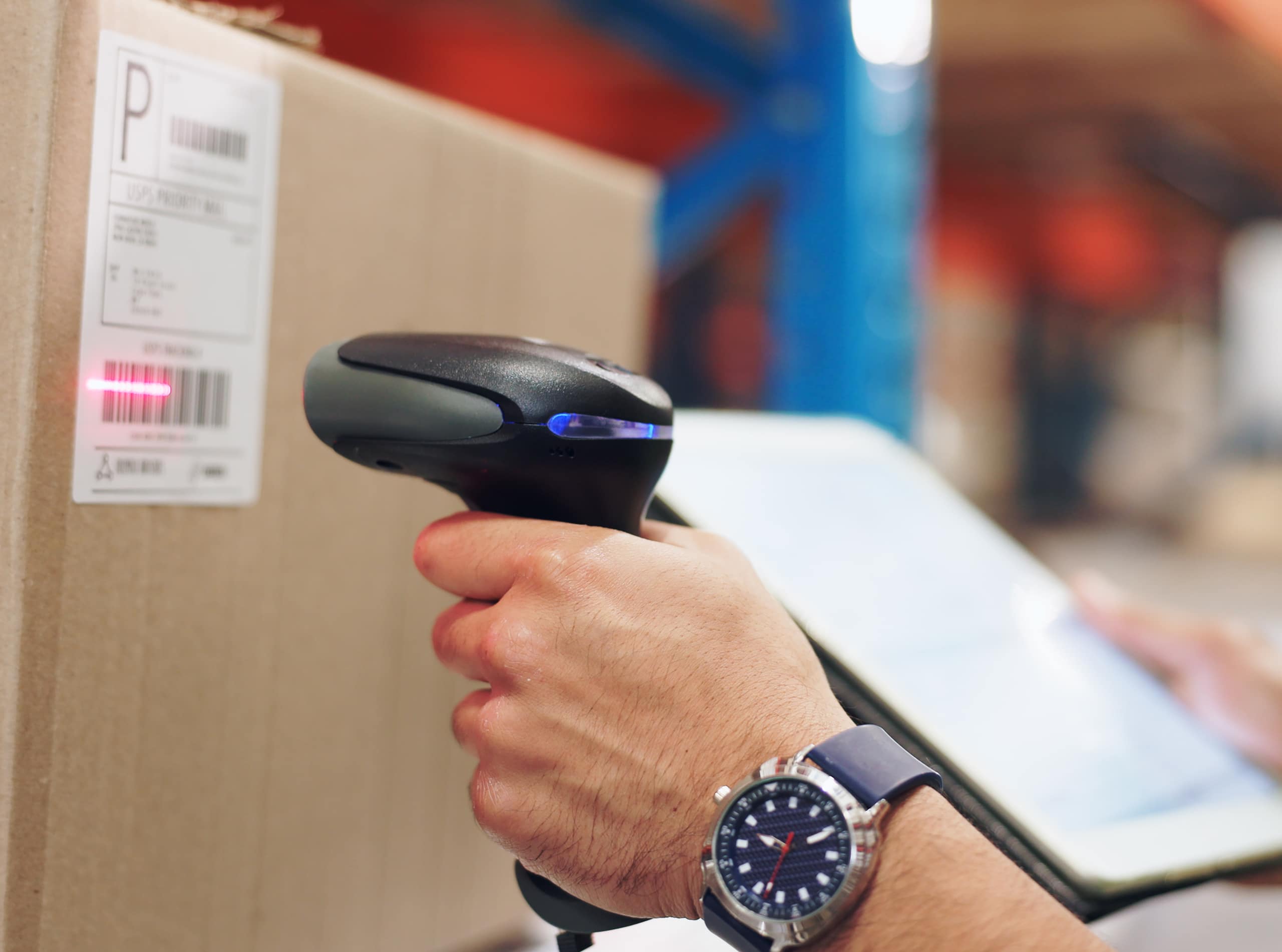
GS1 codes directly applicable in LeanForms
Apply GS1 codes directly in your processes? Find out how to integrate GS1 into digital forms and workflows with LeanForms, without customization.

Advanced workflows step by step
Digitization does not stop at replacing paper forms with a digital alternative. The real gain comes when processes become smarter. Workflows play a key role in this: By setting up digital forms intelligently, the system automatically streamlines the follow-up based on the answers. This gives your organization grip, speed and peace of mind and makes digitization work for you.

Working paperless: The power of digitization
Digitization helps organizations save time, avoid errors and get more insight from their data. A nice added benefit is that you need less paper at the same time. That not only saves trees and carbon emissions, but also costs….